

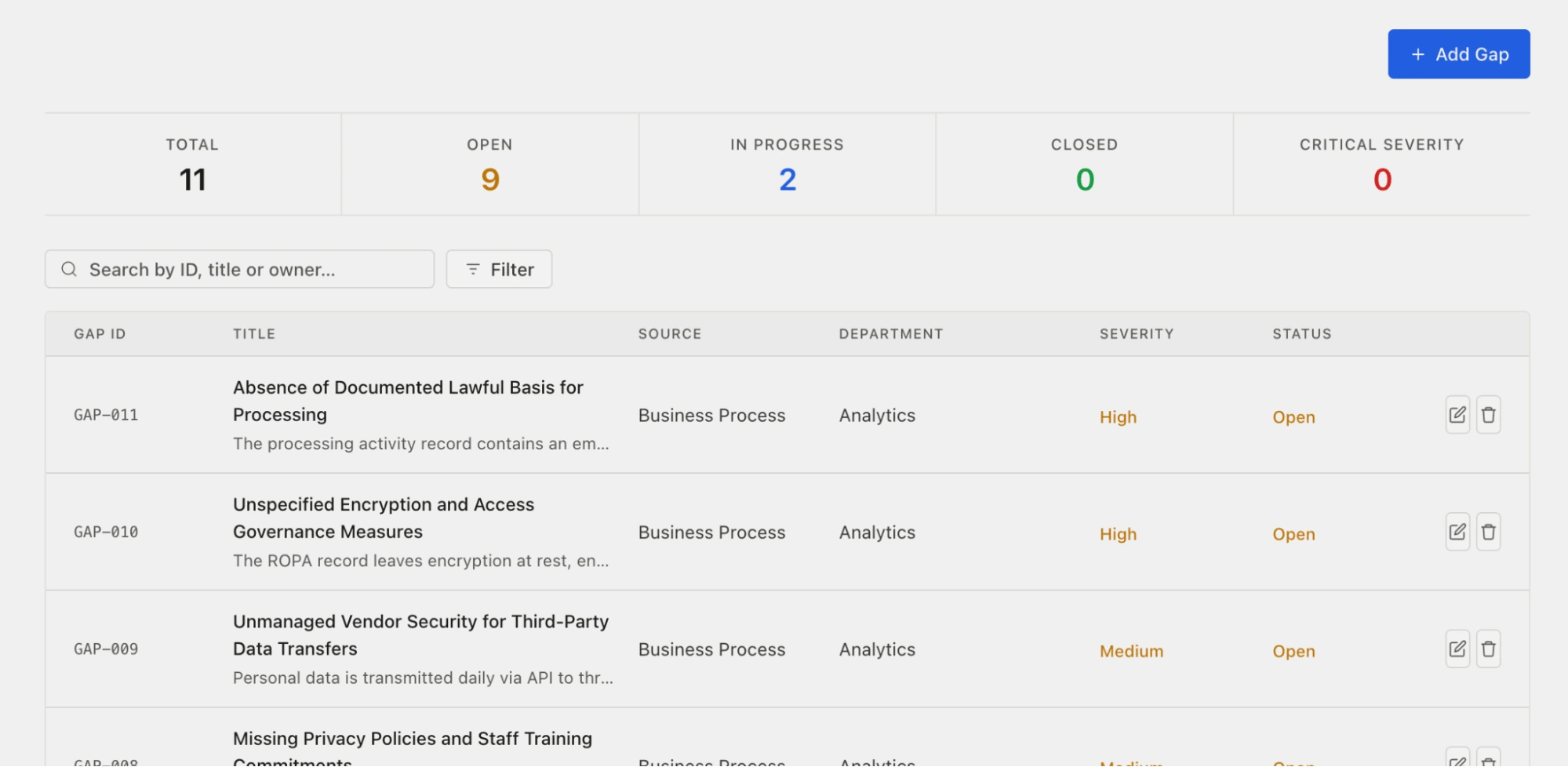
Gap Analysis overview
KPI summary indicators
Five synchronized metric cards at the top of the interface provide instant status visibility:
KPI cards and the Add Gap button
Search, filters and actions
The toolbar directly above the gap table provides instant querying and filtering controls:- Add Gap: In the top-right corner. Click to open the Add Gap modal and manually log ad-hoc audit findings.
- Search bar: Real-time fuzzy search across Gap ID, title, description, and assigned owner.
- Filter toggle: Shows or hides the contextual filter dropdowns.
- Source: Isolates gaps by origin: Business Process or Vendor.
- Department: Filters findings across all tracked corporate departments.
- Severity: Scopes records by statutory risk: Critical, High, Medium, or Low.
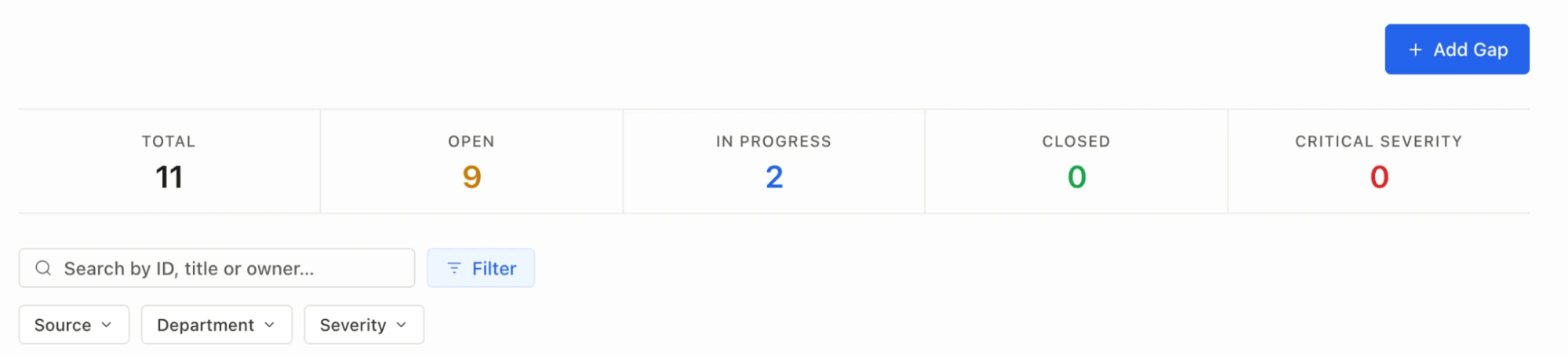
Search and filter toolbar