

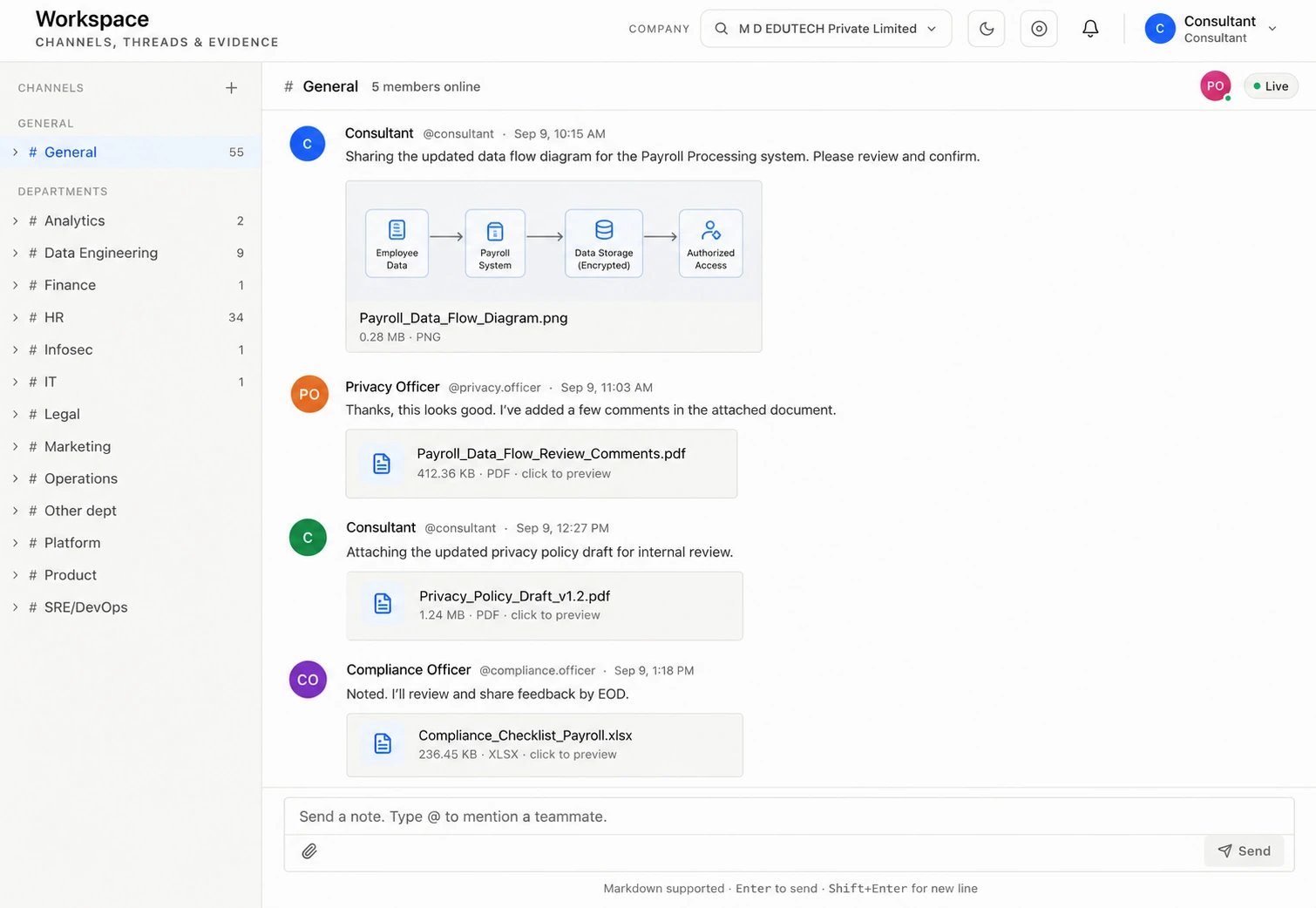
Workspace: channels and discussion pane
Channels
The channel sidebar includes default governance channels (# general, # compliance-team) and auto-provisioned department channels (# <department-name>), created whenever a department is added in Company Profile.
Create a channel
To create a custom project channel, click the Plus icon (+) next to CHANNELS. In the Create Channel modal, specify Channel Name, Purpose, Privacy (Public / Private), and invite members, then click Create.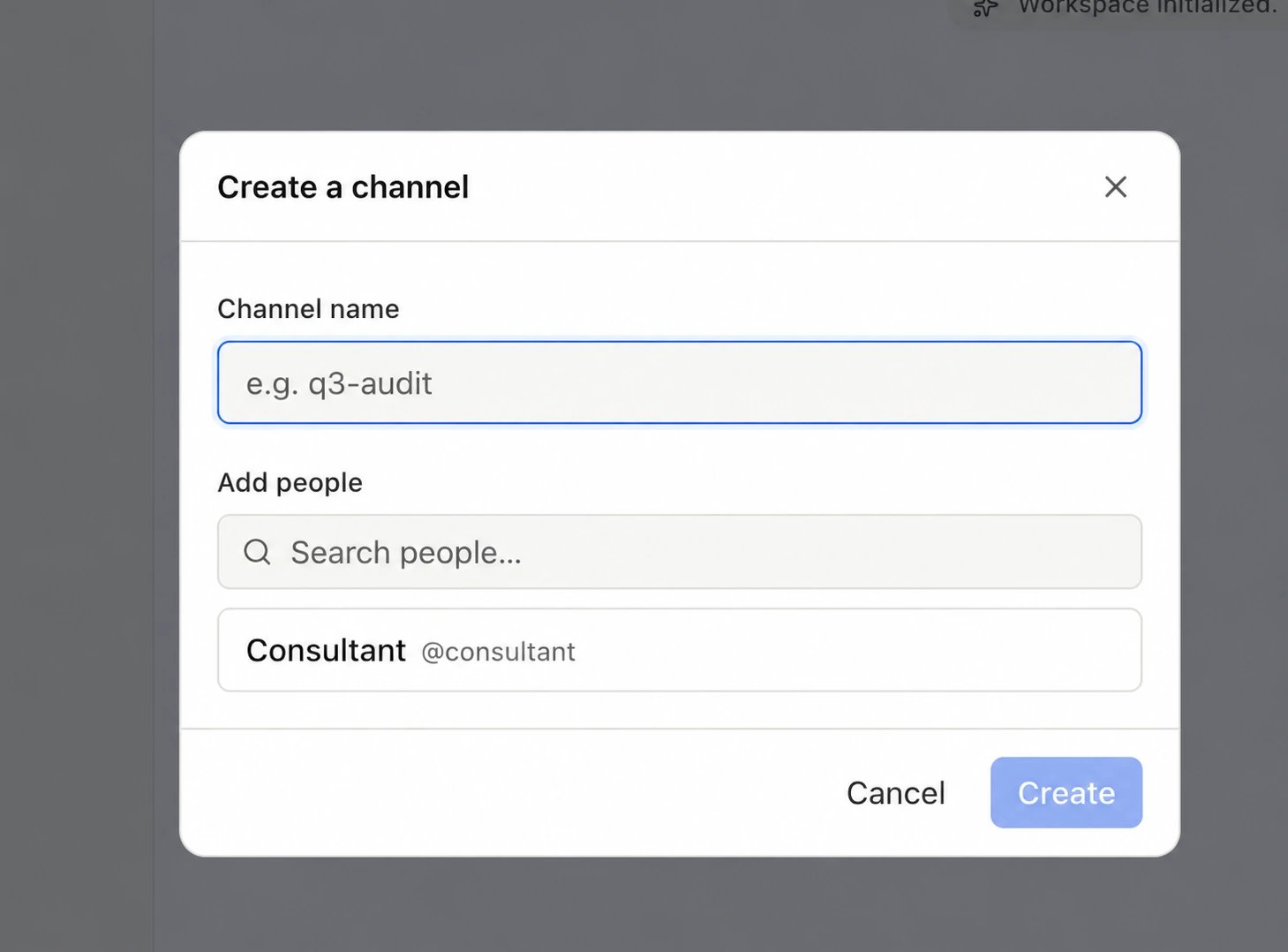
Create Channel modal
Discussions and evidence
In the discussion pane:- Type @ to tag departmental custodians.
- Reply directly to a message to create a threaded conversation.
- Use the paperclip icon to attach evidence files.