

1
Enter your details
Provide your full name, work email address, phone number, and create a secure password.What happens next: your registration details are submitted to the Dutro system for initial processing.
2
Verify your email
Coordinate with your assigned technical consultant to trigger or confirm verification.What happens next: your email address is verified and your foundational user account is created.
3
Access approval
Wait for a Dutro administrator or consultant to assign your user account to a relevant company entity and define your role permissions.What happens next: your account gains access to the company workspace and designated modules tailored to your operational responsibilities.
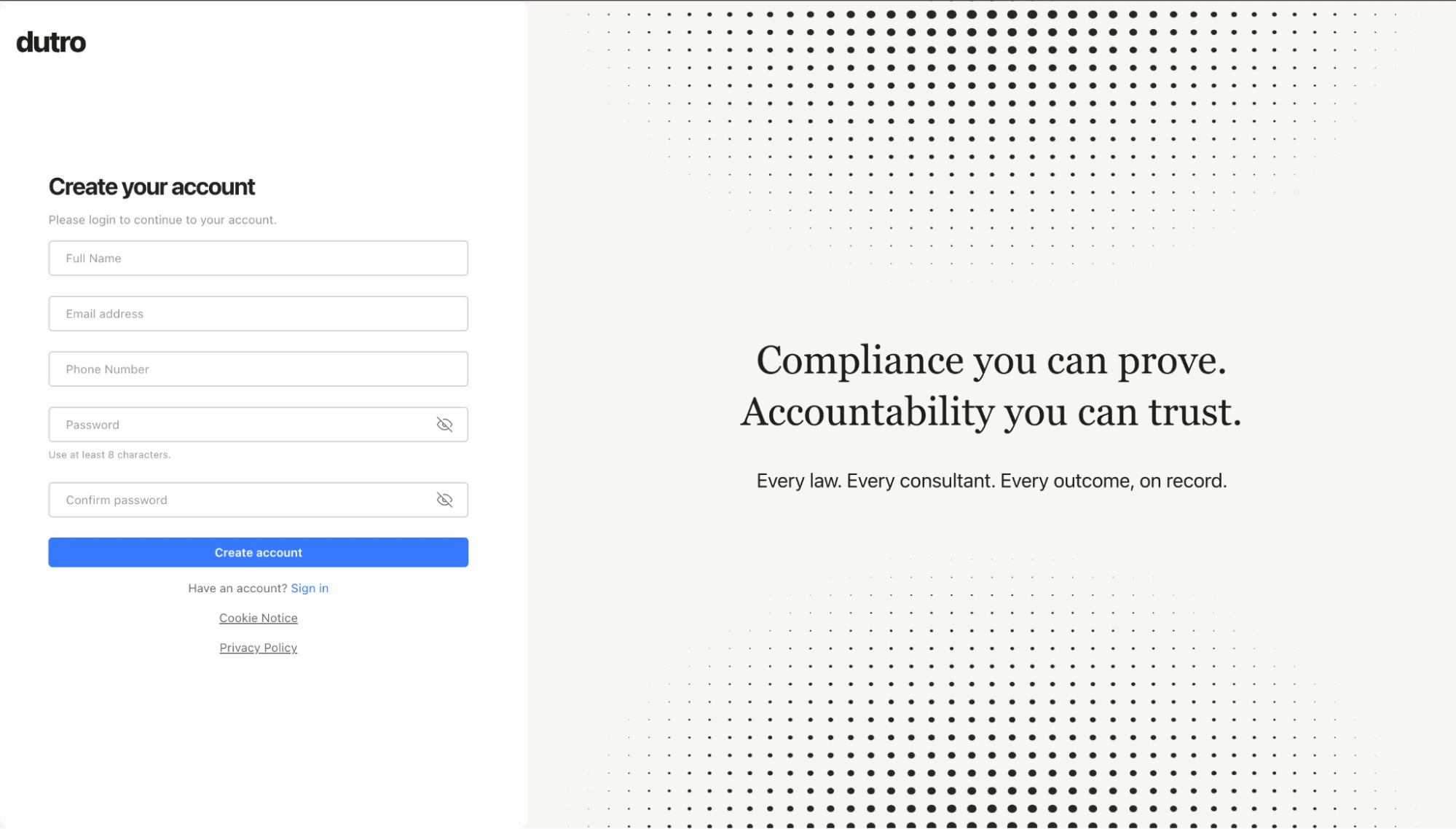
Signing up in Dutro