

Sign in with email and password
1
Open the Dutro login page
Go to app.dutro.ai or your designated client portal link.
2
Enter your registered work email address
3
Enter your password
4
Click Sign in
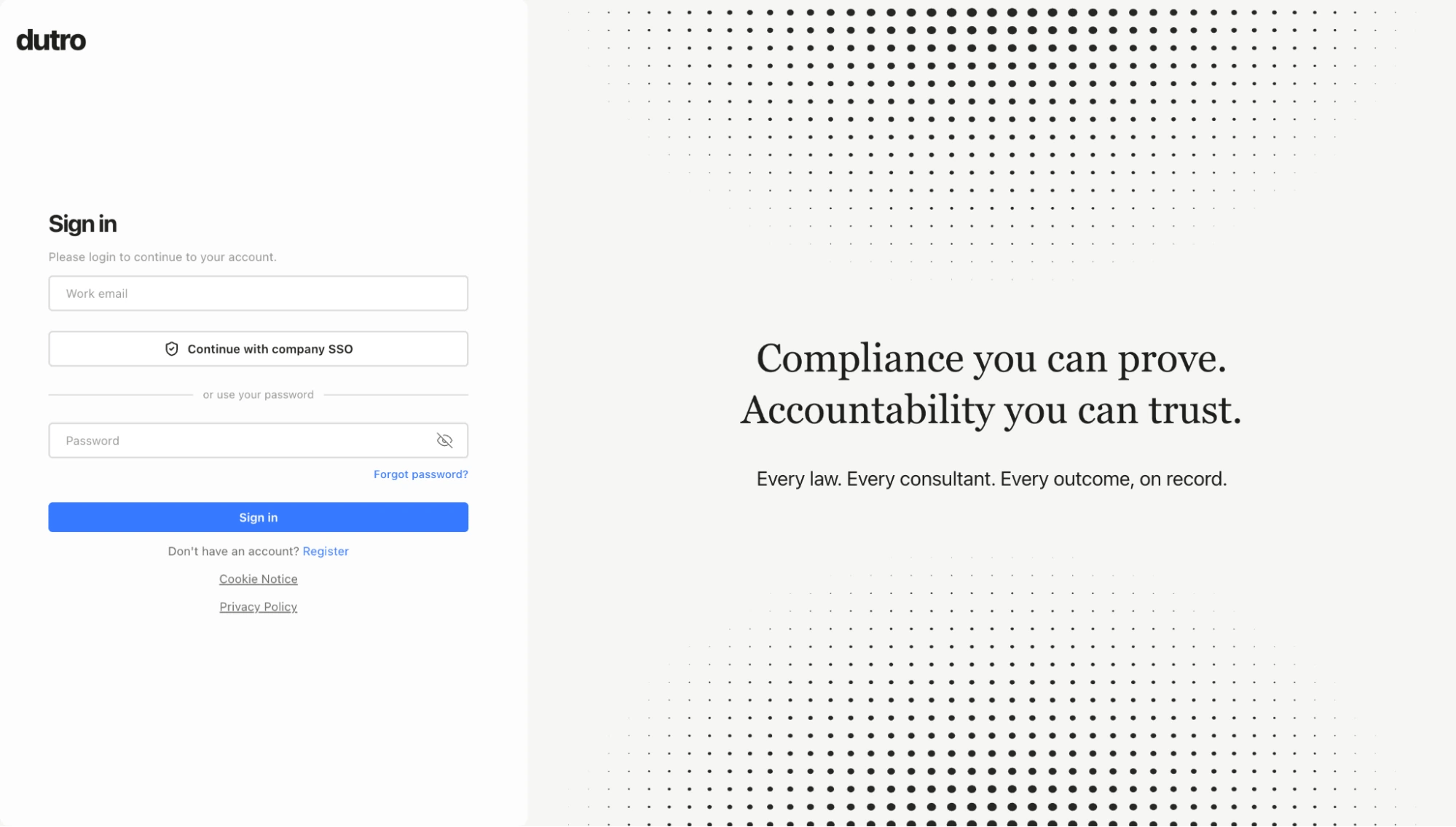
Logging in to Dutro
Sign in with Single Sign-On (SSO)
If your organization is onboarded with enterprise Single Sign-On enabled, you can sign in directly through your identity provider.1
Open the Dutro login page
2
Enter your work email address
3
Select Continue with SSO
If SSO is not yet enabled for your organization’s workspace, contact support@dutro.ai to request setup. SSO can provision your Dutro user account automatically without requiring a separate email-registration sequence.If you authenticate successfully but cannot view corporate compliance data, contact your assigned technical consultant or support@dutro.ai.